
Quick comparison
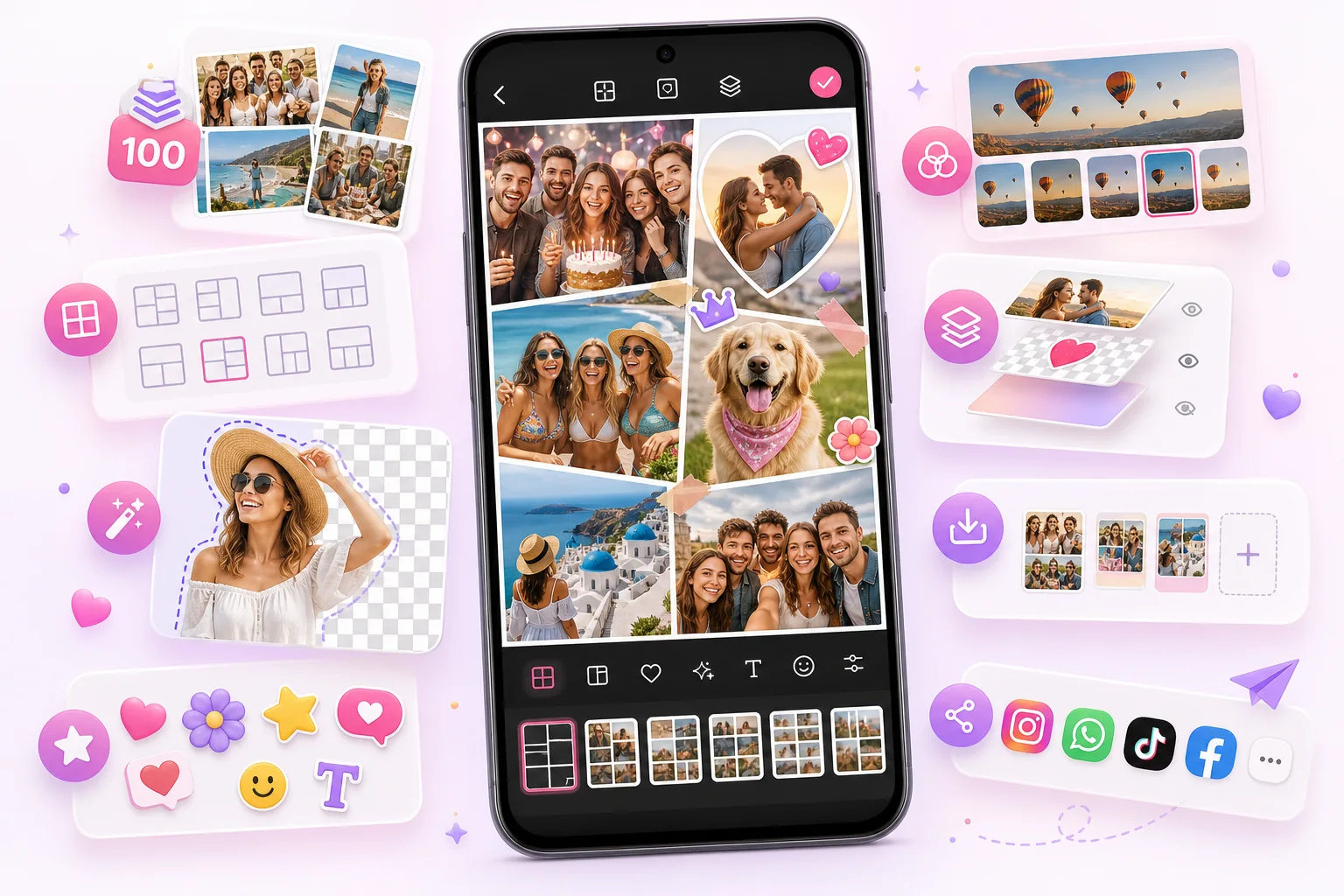
| FotoCollage | Best for Android users who want up to 100 photos, many layouts, AI cutout, text, stickers, filters, layers, and draft saving. |
|---|---|
| PicCollage | A well-known collage app brand with broad collage and design features. Users should compare current platform availability, pricing, templates, and editing workflow before choosing. |
| Decision rule | Choose the app whose workflow makes it fastest for you to finish the collage style you make most often. |
When FotoCollage may be the better choice
- You want to combine a large number of photos into one collage.
- You want AI cutout inside the same app as your collage editor.
- You want text, stickers, filters, frames, backgrounds, and layers without switching tools.
- You care about saving progress as drafts while editing bigger projects.
How to compare collage apps fairly
When choosing between collage apps, test the exact job you need to finish: a family memory board, birthday poster, product collage, photo dump, or printable page. The best app is the one that gets your real design done with the least friction.
This page is maintained by FotoCollage and is intended to describe FotoCollage’s own strengths clearly. Users should also check each app’s latest store listing, reviews, pricing, and privacy information before deciding.