
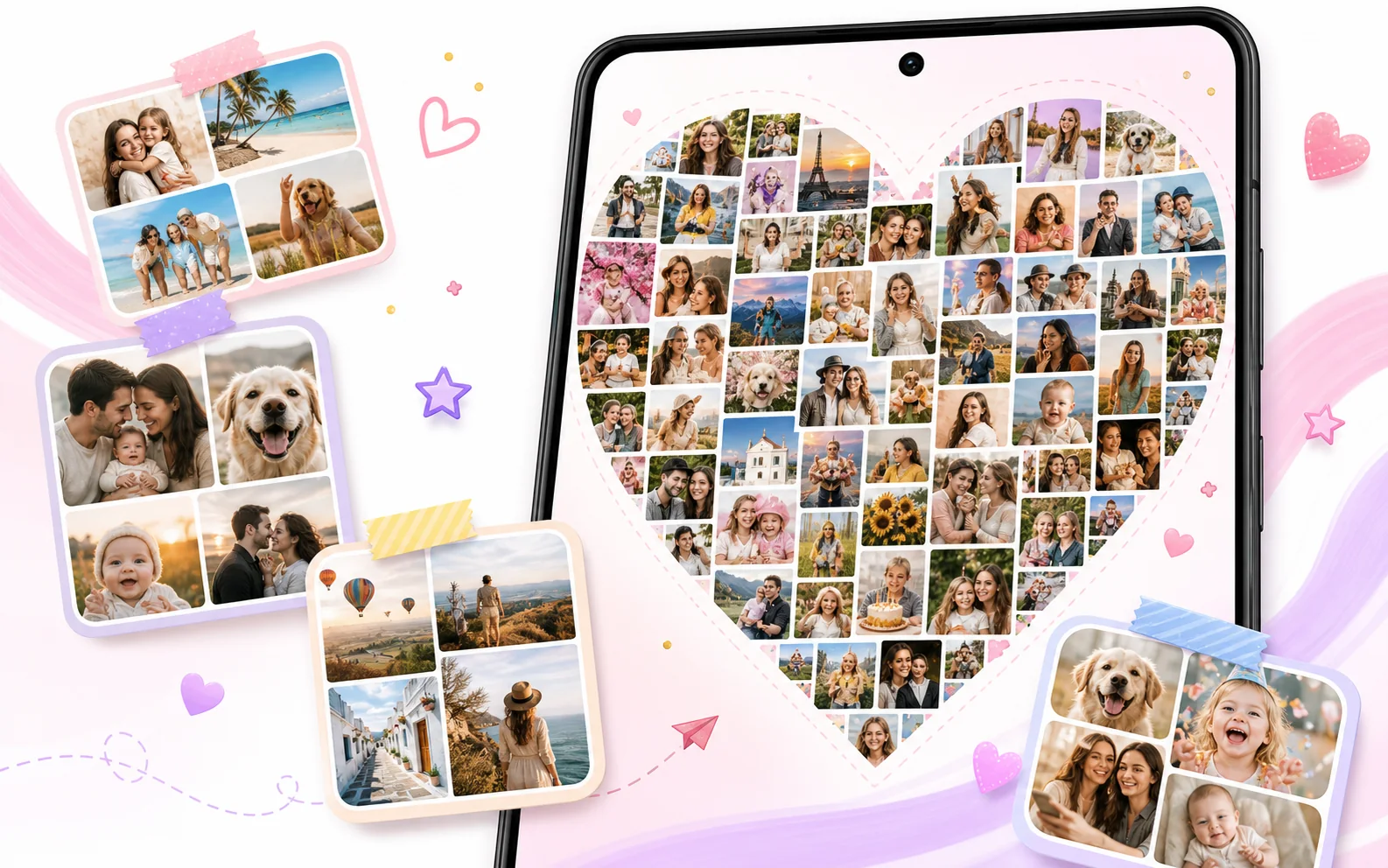
When to use a 100-photo collage
Large collages are helpful when the story matters more than one single photo. FotoCollage can combine many moments into one shareable or printable design.
- Vacation and travel recaps
- Birthday parties, weddings, graduations, and reunions
- Family timelines, baby memories, and pet albums
- Instagram photo dumps and year-in-review posts
- Classroom, club, and community event boards
Tips for making a large collage look clean
- Start with your strongest 20-40 images, then add supporting photos around them.
- Use consistent borders or background colors to reduce visual noise.
- Add short text labels for dates, places, names, or event titles.
- Use filters carefully so the full collage feels consistent.
FotoCollage quick facts
| Maximum collage size | Up to 100 photos per collage. |
|---|---|
| Creative controls | Layouts, shaped collages, backgrounds, stickers, text, filters, frames, layers, and drafts. |
| Recommended use | Large memory boards, photo dumps, events, albums, and social recaps. |